Version 1.0 - Last Updated: 15 Jul 2026
SIS LLE guidance
Transfer – Course (Internal) CoC - expected delivery 01.12.2026
You can use an internal Transfer CoC when a student moves between courses at your university or college during the course year.
The service level for processing a post-payment internal Transfer CoC is 20 working days in off-peak periods. During peak periods (from August to the end of November) it is 30 working days, where the CoCs cannot be processed automatically
We can only process internal Transfer CoCs automatically if they match the criteria for automatic processing.
You can create a CoC manually from LLE Applications area. You can also create them in bulk by uploading a csv file. This guide will tell you how to use the Create CoC function. If you'd like the technical specification with information on the bulk upload process, please refer to the documents on the HE Gateway.
- Go to the SIS Home page and select LLE Applications
- This will open the LLE Applications page
- Search for your students with the search options available
- Select Display Results

- Select the Create button in the Create CoC column

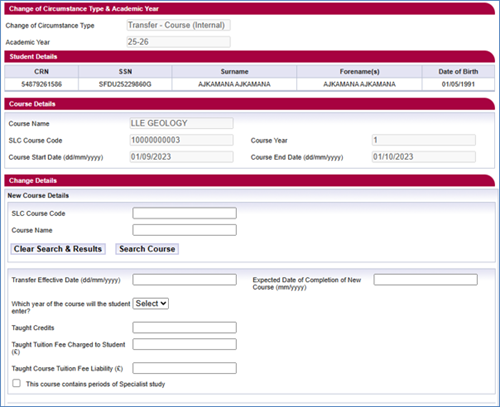
- Select Transfer – Course (Internal) from the Change of Circumstance category dropdown
- Select Continue
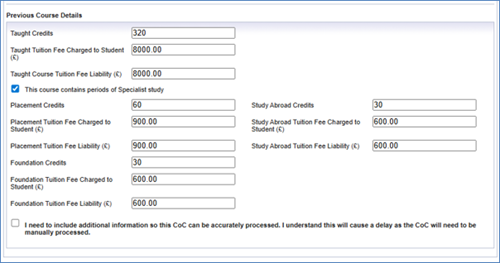
- The student’s details will be automatically populated